
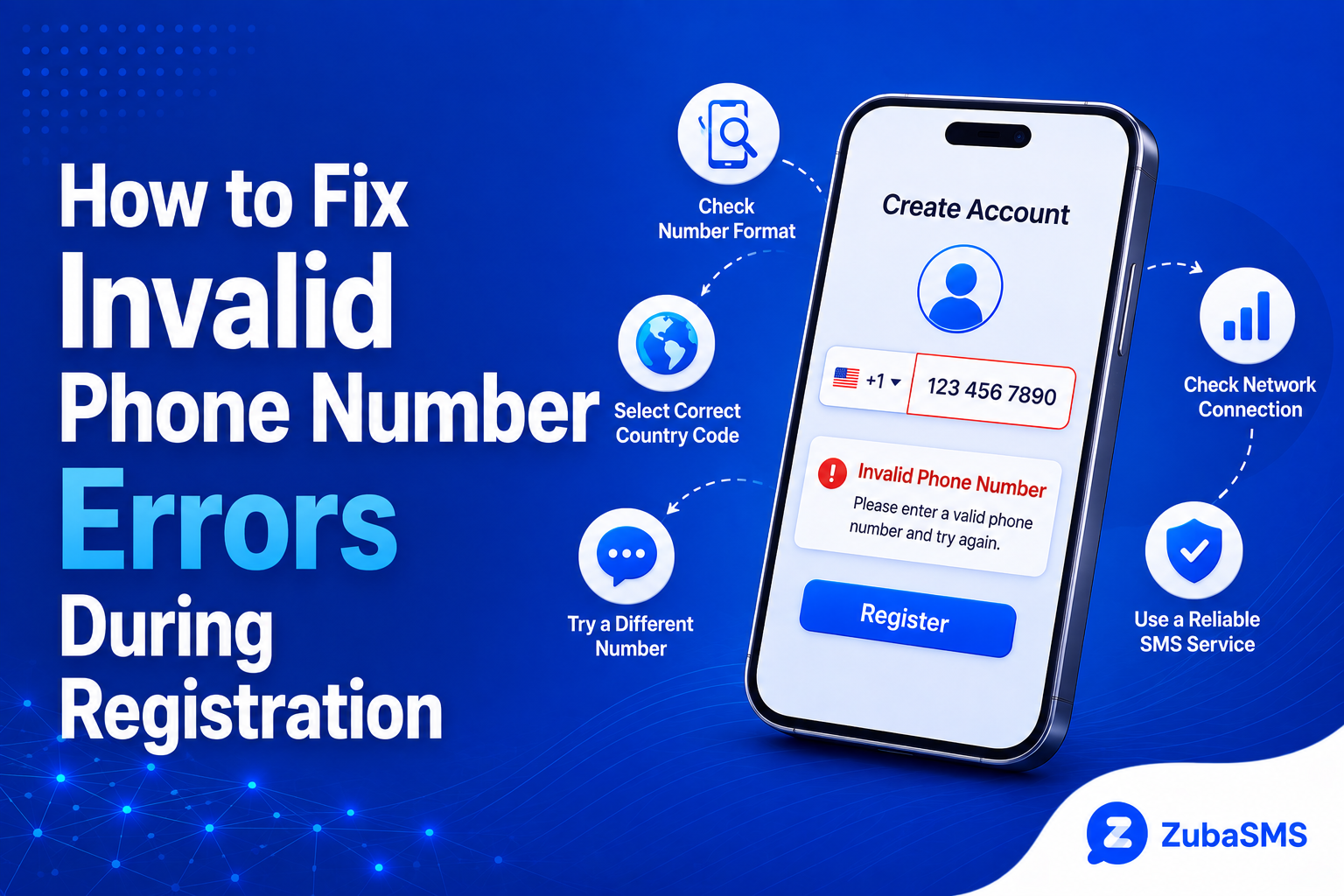
How to Fix Invalid Phone Number Errors During Registration
How to Fix Invalid Phone Number Errors During Registration
Seeing an invalid phone number error while registering for an account can be frustrating, especially when you are sure that the number you entered is correct.
In many cases, the problem is caused by formatting, an incorrect country code, an unsupported number type, or a temporary restriction on the registration process.
The good news is that most invalid phone number errors can be resolved by checking a few important details.
This guide explains why registration systems reject phone numbers, how to identify the cause, and what you can do to fix the problem.
What Does “Invalid Phone Number” Mean?
An invalid phone number message means that the registration system cannot accept the number in the format or form in which it was provided.
This does not necessarily mean that the number is disconnected or inactive.
The platform may reject it because:
- The country code is incorrect.
- The number format is wrong.
- A digit is missing or incorrect.
- The number type is unsupported.
- The country is not supported.
- The platform has temporarily restricted the number.
Identifying the exact cause is the first step toward fixing the problem.
Common Reasons for an Invalid Phone Number Error
1. Incorrect Country Code
One of the most common causes is selecting the wrong country code.
For example, Nigerian numbers generally use +234, while numbers from the United Kingdom use +44 and numbers from the United States use +1.
Make sure the selected country matches the phone number you are entering.
2. Incorrect Number Format
Some registration forms automatically add the country code, while others require you to enter the complete international number.
Entering the country code twice can cause an error.
Follow the exact format requested by the registration page.
3. Missing or Extra Digits
Phone numbers have specific lengths depending on the country.
One missing digit or an additional digit can cause the registration system to reject the number.
Carefully check every digit before submitting the form again.
4. Unsupported Number Type
Some platforms do not accept every type of phone number.
They may restrict:
- VoIP numbers.
- Temporary numbers.
- Shared numbers.
- Certain virtual numbers.
The platform determines which number types it accepts.
How to Enter a Phone Number Correctly
Before submitting your number, check the registration form carefully.
- Select the correct country.
- Confirm the country code.
- Enter the number exactly as requested.
- Remove unnecessary spaces or symbols if the form does not accept them.
- Check that all digits are correct.
- Submit the form once.
If the form automatically adds a country code, do not enter the same code again in the phone number field.
International Phone Number Formatting
International formatting is especially important when registering for services that operate across multiple countries.
For example, a platform may expect a number in international format rather than a local format.
Always follow the format shown by the registration form instead of assuming that every website uses the same format.
Invalid Phone Number vs Verification Failure
These two errors are related but different.
| Error | What It Usually Means |
|---|---|
| Invalid Phone Number | The platform rejects the number or its format before verification. |
| Verification Failed | The number may be accepted, but the verification process did not complete. |
| OTP Not Received | The verification SMS was not successfully delivered. |
| Invalid OTP | The verification code entered does not match or has expired. |
Understanding the difference can help you choose the correct troubleshooting step.
Could a Virtual Number Cause an Invalid Phone Number Error?
Yes. Some platforms restrict virtual, temporary, or VoIP numbers during registration.
A virtual number can be active and capable of receiving SMS while still being rejected by a particular platform.
If you are using a virtual number and receive an invalid number message, check whether the service allows that number type before trying repeatedly.
What to Do If the Number Is Correct but Still Rejected
If you have confirmed that the number and country code are correct, consider these possibilities:
- The platform may not support your country.
- The number type may be restricted.
- The number may have been previously used.
- The platform may have temporarily limited registration attempts.
- There may be a temporary issue with the registration service.
In these situations, waiting briefly or contacting the platform's official support team may be more useful than repeatedly submitting the same number.
How to Fix an Invalid Phone Number Error
If your number is being rejected during registration, work through these steps in order.
- Check every digit of the phone number.
- Confirm that the correct country is selected.
- Check whether the country code is entered automatically.
- Remove unnecessary spaces, brackets, or symbols.
- Confirm that the number is active and able to receive SMS if verification is required.
- Check whether the platform supports your country and number type.
- Wait before making another registration attempt if you have tried several times.
- Contact the platform's official support team if the problem continues.
Avoid repeatedly submitting the same number if the platform continues to reject it. Multiple attempts can sometimes trigger temporary security restrictions.
Check Whether Your Country Is Supported
Some websites and applications only support phone numbers from selected countries.
If your country is not supported, entering a correctly formatted number may still produce an invalid phone number error.
Before trying another number, check the platform's registration requirements and available country list.
Check Whether Your Number Has Been Used Before
A platform may reject a number if it has already been associated with an account or used for previous verification.
This can happen with both traditional mobile numbers and some virtual numbers.
If the platform specifically says that the number has already been used, repeatedly entering it is unlikely to fix the problem.
Follow the platform's account recovery or support process instead.
Temporary and Virtual Numbers
Virtual numbers can be useful for supported communication and verification needs, but acceptance depends on the individual platform.
Some services may restrict:
- Temporary phone numbers.
- VoIP numbers.
- Shared virtual numbers.
- Previously used numbers.
If you use a virtual number, make sure the platform allows that type of number before registration.
Temporary Number vs Rental Number
| Feature | Temporary Number | Rental Number |
|---|---|---|
| Access Duration | Short-term | Longer-term |
| Continuity | Limited | Better while active |
| Best For | Short-term needs | Ongoing access |
| Future Verification | Less predictable | More practical |
If you need reliable access to the same number for future verification or account recovery, a longer-term number that you control may be more appropriate.
What If You Receive an Invalid Number Error After Entering the Correct Format?
If the format is correct but the platform still rejects the number, the issue may be on the platform's side.
Possible causes include:
- Country restrictions.
- Number-type restrictions.
- Previous number usage.
- Temporary registration limits.
- Platform security checks.
- Technical problems with the registration system.
Check the platform's help documentation or contact its official support team if the error continues.
Frequently Asked Questions
Why does my phone number say invalid?
The number may be incorrectly formatted, have the wrong country code, contain missing digits, belong to an unsupported country, or be restricted by the platform.
How do I fix an invalid phone number?
Check the country code, number format, digits, and platform requirements. If everything is correct, check whether the number type or country is supported.
Why is my correct phone number being rejected?
The platform may have restrictions on your country, number type, or the previous use of the number. A temporary registration restriction can also cause the error.
Can a virtual number be invalid?
A virtual number can be active and still be rejected by a platform that does not support virtual or VoIP numbers.
Can a temporary number cause registration problems?
Yes. Some platforms restrict temporary numbers or numbers that have previously been used for verification.
Why is my country code not working?
Make sure the selected country matches your number and check whether the registration form automatically adds the country code.
Should I keep trying if my number is rejected?
No. If the number is repeatedly rejected, check the platform's requirements first. Repeated attempts may sometimes result in temporary restrictions.
What should I do if I cannot fix the error?
Contact the platform's official support team and provide the relevant registration details without sharing passwords or verification codes.
Funding Options
| Location | Funding Method |
|---|---|
| Nigeria | Bank Transfer |
| Ghana | Mobile Money |
| Kenya | M-Pesa |
| International | USDT |
Payment methods and availability can change, so check the provider's current funding options before making a purchase.
Using ZubaSMS
ZubaSMS provides virtual phone numbers for supported SMS reception and legitimate communication and verification needs, depending on availability and platform compatibility.
If you are experiencing an invalid phone number error while using a virtual number, first confirm the country, number format, SMS support, and whether the platform accepts that type of number.
If the platform continues to reject the number, check its verification requirements rather than repeatedly submitting the same number.
Explore ZubaSMS virtual numbers
Conclusion
An invalid phone number error during registration does not always mean that your phone number is inactive or incorrect.
Formatting mistakes, country-code problems, unsupported countries, virtual-number restrictions, previous number usage, and temporary platform restrictions can all cause registration errors.
Start by checking the number and country code carefully, then confirm the platform's requirements. If the information is correct and the error continues, avoid repeated attempts and use the platform's official support channels.
Taking these steps can help you identify the cause of the error and complete registration more reliably.