
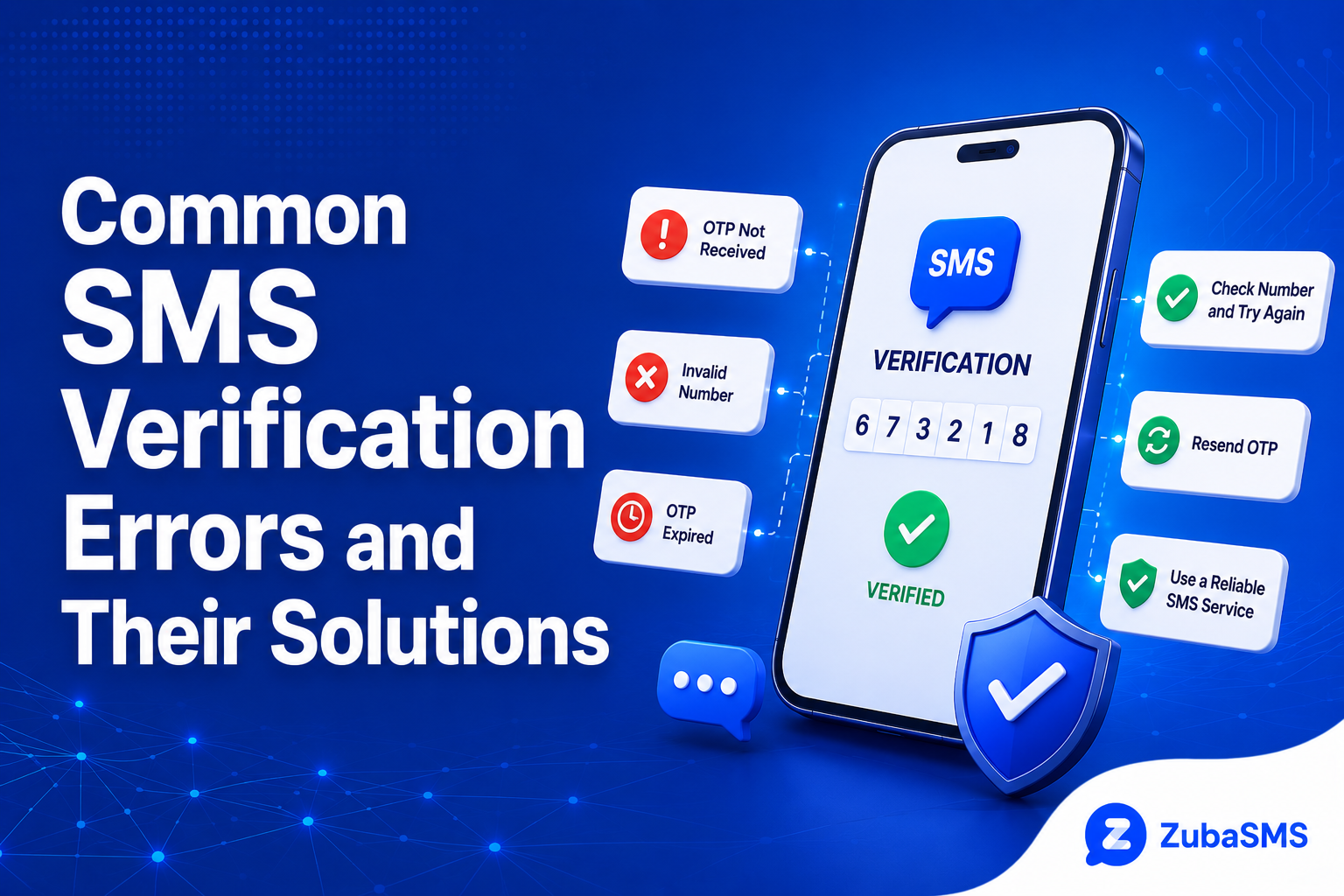
Common SMS Verification Errors and Their Solutions
Common SMS Verification Errors and Their Solutions
Experiencing SMS verification errors is one of the most common problems people face when creating accounts, logging in, recovering passwords, or verifying their identity online.
Most online platforms rely on one-time passwords (OTPs) sent by SMS to confirm that users have access to a valid phone number. While the process is usually quick, verification can sometimes fail because of network issues, incorrect phone numbers, expired codes, platform restrictions, or temporary delivery delays.
The good news is that most SMS verification problems can be fixed with a few simple troubleshooting steps.
This guide explains the most common SMS verification errors, what causes them, and how to solve them safely.
Table of Contents
- What Are SMS Verification Errors?
- How SMS Verification Works
- Most Common SMS Verification Errors
- Incorrect Phone Number Error
- Invalid Verification Code Error
- OTP Expired Error
- SMS Not Received Error
- Too Many Verification Attempts Error
- Unsupported Phone Number Error
- Network and Carrier Errors
- How to Troubleshoot SMS Verification Errors
What Are SMS Verification Errors?
SMS verification errors occur when the verification process cannot be completed successfully.
The error may happen before, during, or after the SMS is delivered.
Examples include:
- Verification SMS not received.
- Invalid verification code.
- Expired OTP.
- Incorrect phone number.
- Unsupported phone number.
- Verification request blocked.
Each error usually has a different cause, which is why identifying the exact problem is important.
How SMS Verification Works
Most verification systems follow the same basic process:
- You enter your phone number.
- The platform generates a one-time verification code.
- The code is sent via SMS.
- You receive the SMS.
- You enter the verification code.
- The platform validates the code.
- Your account or request is verified.
If any part of this process fails, an SMS verification error may appear.
Most Common SMS Verification Errors
Here are the errors users encounter most often.
1. Incorrect Phone Number
Entering the wrong phone number is one of the most common causes of SMS verification failure.
Even a single incorrect digit can prevent the SMS from reaching you.
Always verify:
- The country code.
- The phone number.
- Missing digits.
- Extra digits.
2. Invalid Verification Code
An invalid verification code error usually means the code entered does not match the one generated by the platform.
Possible causes include:
- Typing the code incorrectly.
- Using an older OTP.
- Receiving multiple codes and entering the wrong one.
- The code has expired.
Always enter the most recently received verification code.
3. OTP Expired
Most verification codes remain valid only for a limited period.
If too much time passes before entering the OTP, the platform may reject it.
Request a new code instead of repeatedly entering an expired one.
4. SMS Not Received
This error occurs when the verification message never reaches your phone or virtual number.
Possible causes include:
- Network congestion.
- Carrier delays.
- Poor signal.
- Incorrect number formatting.
- Platform delivery delays.
Wait a few minutes before requesting another code.
5. Too Many Verification Attempts
Requesting several OTPs within a short period may trigger temporary restrictions.
This may result in:
- Temporary cooldown periods.
- Blocked verification requests.
- Delayed SMS delivery.
Avoid repeatedly requesting new verification codes.
6. Unsupported Phone Number
Some platforms reject certain types of phone numbers.
Examples may include:
- Temporary numbers.
- VoIP numbers.
- Shared numbers.
- Previously used numbers.
Whether a number is accepted depends entirely on the platform's verification policy.
7. Network and Carrier Errors
Mobile networks can also cause SMS verification problems.
Examples include:
- Poor mobile coverage.
- Carrier outages.
- International routing delays.
- Roaming limitations.
If possible, ensure you have network connectivity before requesting another verification SMS.
How to Troubleshoot SMS Verification Errors
If you experience SMS verification errors, try these steps before requesting another code.
- Double-check your phone number.
- Confirm the correct country code.
- Ensure the number is active.
- Check network connectivity.
- Wait several minutes for delayed SMS delivery.
- Request a new verification code.
- Enter the newest OTP received.
- Avoid multiple rapid verification attempts.
These steps resolve many common SMS verification issues without requiring additional support.
Platform-Specific SMS Verification Restrictions
Some verification errors are caused by the platform itself rather than your phone number or network.
Many websites and applications have automated security systems that detect unusual verification activity.
Verification may fail if:
- The phone number type is restricted.
- The number has previous verification history.
- Too many accounts have been linked to the number.
- The platform detects suspicious activity.
- The verification request exceeds the platform's limits.
These restrictions vary from one platform to another and are controlled by the service, not the SMS provider.
How to Prevent SMS Verification Errors
Preventing verification problems is often easier than troubleshooting them after they occur.
Follow these best practices:
- Always enter the correct phone number.
- Select the correct country code.
- Use a number that supports incoming SMS.
- Wait for the SMS before requesting another code.
- Enter the newest verification code received.
- Avoid multiple rapid verification requests.
- Keep your device connected to a mobile network or internet when required.
These simple steps can significantly reduce SMS verification failures.
Temporary vs Rental Numbers for SMS Verification
| Feature | Temporary Number | Rental Number |
|---|---|---|
| Access Period | Short-term | Longer-term |
| SMS Reception | Depends on provider | Usually supports continued SMS access |
| Future Verification | Less predictable | Better continuity |
| Renewal | May not be available | Often available |
| Best For | Short-term verification needs | Ongoing communication and verification |
If you expect to receive verification messages over time, a longer-term rental number may be more practical than a temporary number that expires quickly.
Security Tips for SMS Verification
Verification codes are sensitive authentication credentials and should always be protected.
For better security:
- Never share OTP or verification codes.
- Only enter codes into the official website or application.
- Ignore unexpected requests asking you to forward verification codes.
- Use strong passwords alongside SMS verification.
- Enable additional security features whenever available.
If you receive a verification code you did not request, avoid sharing it because someone may be attempting to access an account using your number.
When to Contact Customer Support
If you have tried multiple troubleshooting steps and verification still fails, customer support may be necessary.
Contact the platform if:
- Your number is repeatedly rejected.
- The platform says the number is unsupported.
- Your account is temporarily blocked.
- Verification requests continue to fail after waiting.
Provide only the information requested by the official support team, and never share verification codes.
Frequently Asked Questions
Why am I getting an SMS verification failed error?
This usually happens because of incorrect phone numbers, expired OTPs, network delays, platform restrictions, or too many verification attempts.
Why is my OTP not arriving?
The message may be delayed by your carrier, blocked by the platform, sent to an incorrect number, or the selected number may not support incoming SMS.
How do I fix an invalid verification code?
Request a new verification code and enter the newest OTP received instead of an older or expired code.
Can temporary phone numbers cause SMS verification errors?
Yes. Some platforms restrict temporary, virtual, shared, or VoIP numbers for verification purposes.
Why does SMS verification say too many attempts?
The platform has detected repeated verification requests within a short period and may temporarily block additional requests until a cooldown period ends.
How long should I wait before requesting another OTP?
Waiting a few minutes is generally better than requesting multiple verification codes immediately.
Can I reuse an SMS verification code?
No. Most verification codes are one-time passwords and become invalid after use or expiration.
Does a good network connection help SMS verification?
Yes. Reliable mobile network coverage can improve SMS delivery, although delays can still occur because of the sending platform or carrier routing.
Funding Options
| Location | Funding Method |
|---|---|
| Nigeria | Bank Transfer |
| Ghana | Mobile Money |
| Kenya | M-Pesa |
| International | USDT |
Available payment methods may change, so check the provider's current funding options before making a purchase.
Using ZubaSMS
ZubaSMS provides virtual phone numbers for supported SMS reception and legitimate communication and verification needs, depending on availability and platform compatibility.
If you encounter SMS verification errors while using a virtual number, verify that the number supports incoming SMS, remains active, and matches the platform's country requirements before requesting another code.
Always check current number availability and platform compatibility before selecting a number.
Explore ZubaSMS virtual numbers
Conclusion
SMS verification errors are common, but most can be resolved by identifying the cause and following the correct troubleshooting steps.
Incorrect phone numbers, expired OTPs, delayed SMS delivery, network issues, unsupported number types, and platform security restrictions are among the most frequent reasons verification fails.
Using the correct country code, waiting before requesting another OTP, entering the newest verification code, and choosing a reliable number provider can reduce many verification problems.
Most importantly, keep verification codes private and use SMS verification only through official websites and applications to protect your accounts and personal information.